I'm working on a 52-page document with hyperlinks, then my boss says I should remove all links in-text. Instead of spending hours removing each and every link manually, a simple Google search renders a very easy solution:
From Microsoft Support:
To remove all hyperlinks in a document, press CTRL+A to select the entire document and then press CTRL+SHIFT+F9.
Note Performing this operation converts all fields, not just hyperlinks, to plain text.

From Microsoft Support:
How do I remove a hyperlink without losing the display text or image?
To remove a single hyperlink without losing the display text or image, right-click the hyperlink, and then click Remove Hyperlink.To remove all hyperlinks in a document, press CTRL+A to select the entire document and then press CTRL+SHIFT+F9.
Note Performing this operation converts all fields, not just hyperlinks, to plain text.
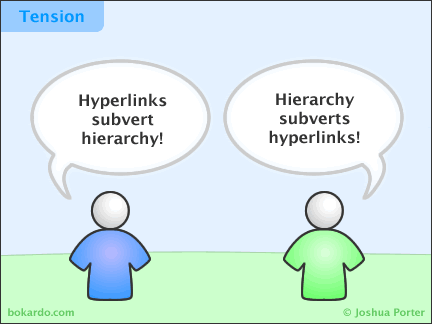
Yey. Here's the funny cartoon since I'm in such a good mood: